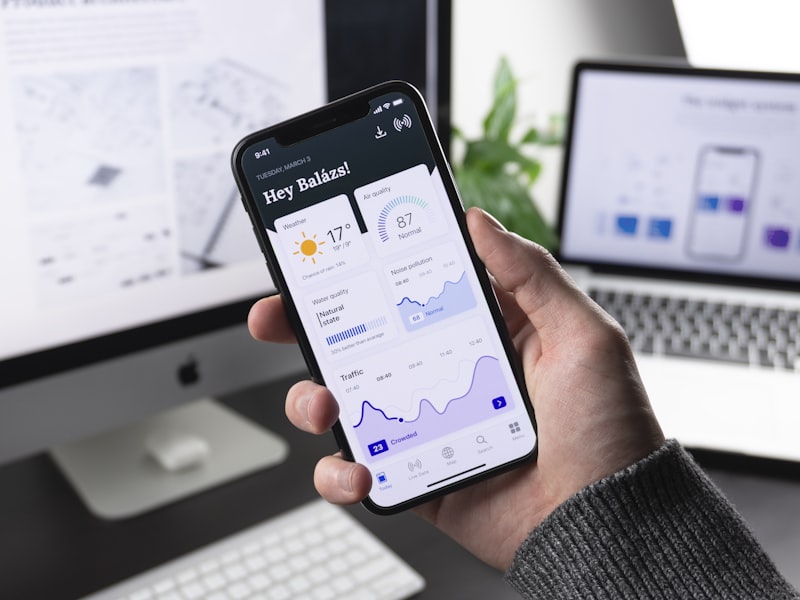
Without proper filtering, AI crawler traffic pollutes your analytics data — inflating pageviews while engagement metrics suffer.
Bot Filtering in GA4
In GA4, go to Admin → Data Streams → Web → Configure tag settings → Show all. Enable "Filter out bots and spiders."
Server-Side Filtering
SetEnvIfNoCase User-Agent "GPTBot" bot_traffic
SetEnvIfNoCase User-Agent "CCBot" bot_traffic
CustomLog /dev/null combined env=bot_traffic
Track Perplexity Traffic
Create a Looker Studio segment for sessions from perplexity.ai, claude.ai, chat.openai.com. This shows how much AI search traffic you are actually receiving.

